

Power your business
with digital menus
MakeMenu is a powerful QR code ordering system for restaurants, cafés, and food outlets — offer contactless menus, instant ordering, and seamless payments.
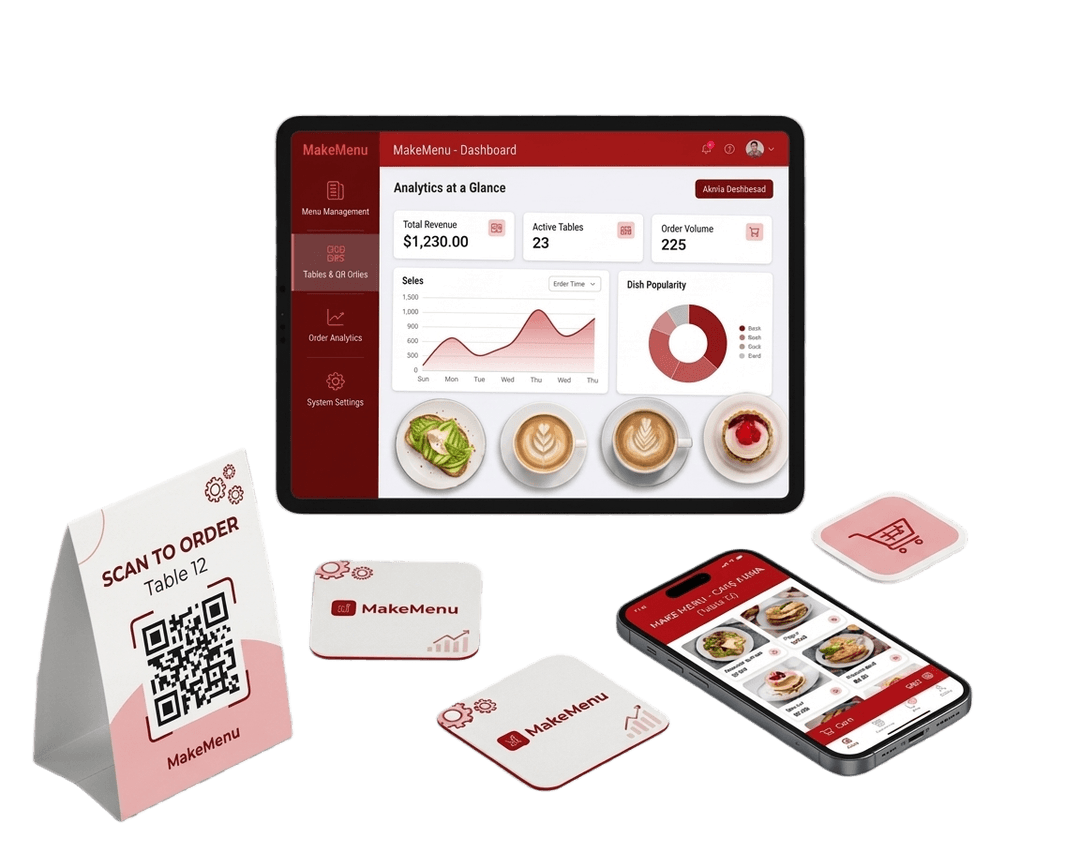
How to use MakeMenu
Get started in just a few simple steps
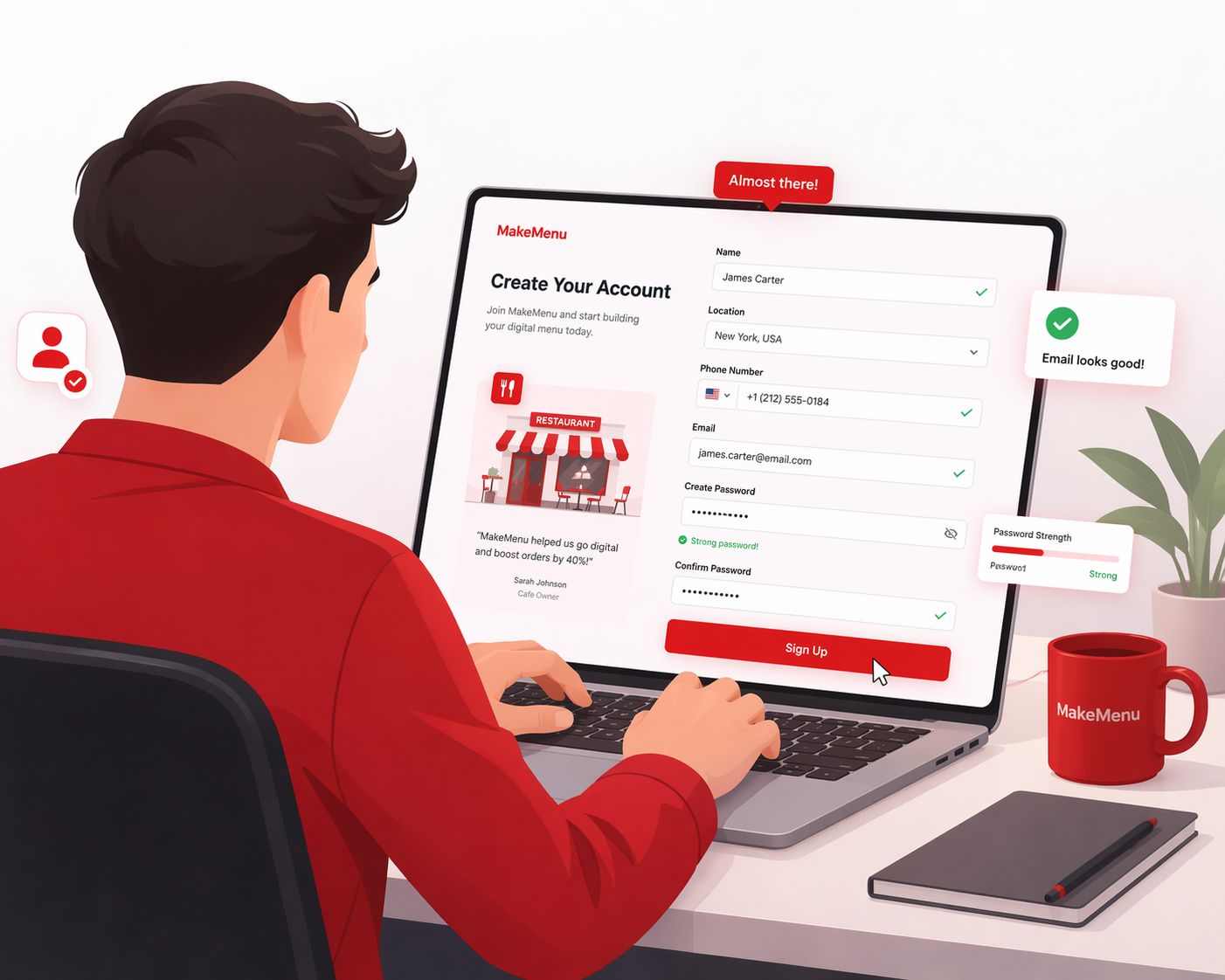
1
Create Your Account
Sign up on Makemenu using your phone or email. Add your shop name and basic details.
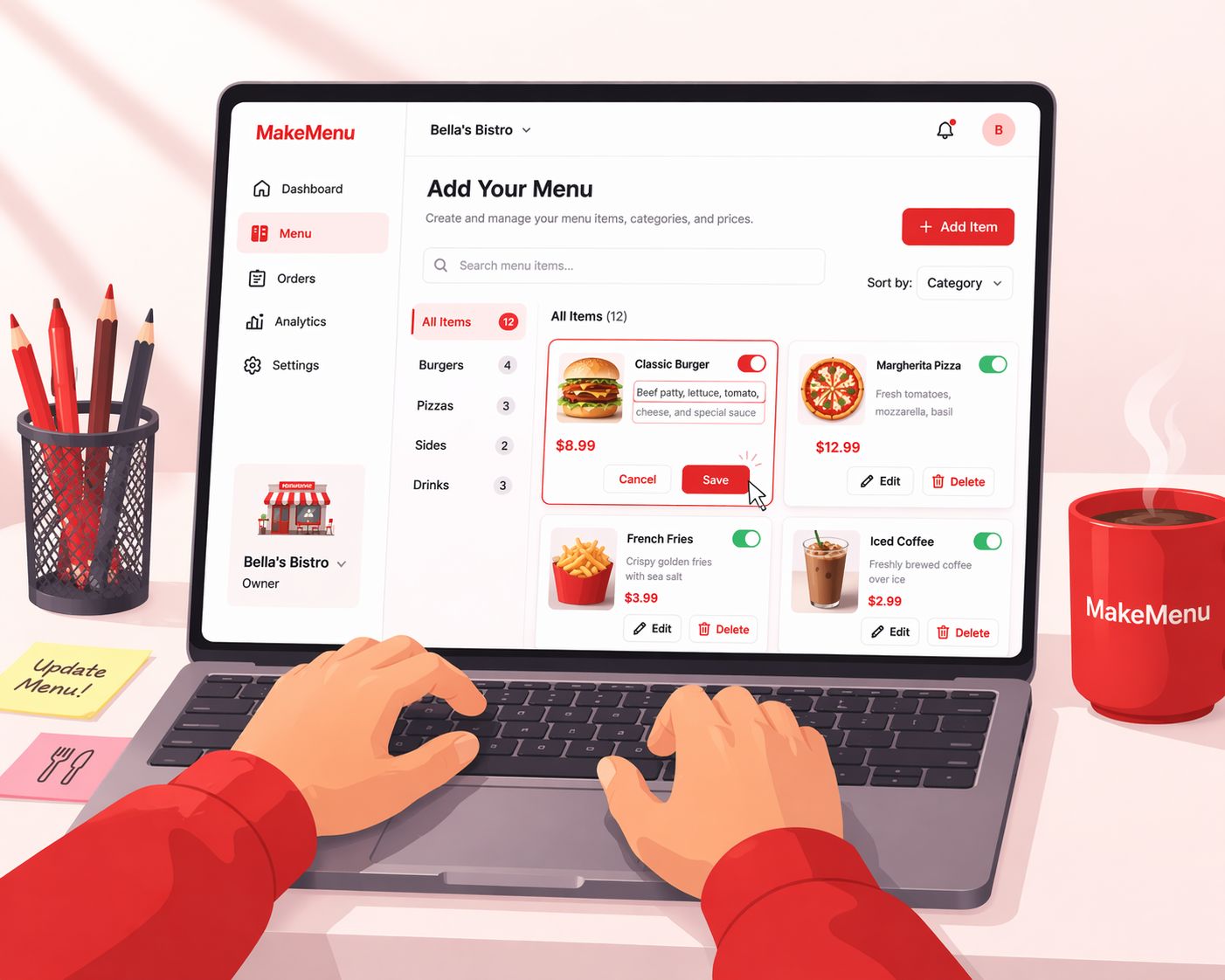
2
Add Your Menu
Enter your food items, prices, and categories. You can update or edit your menu anytime.
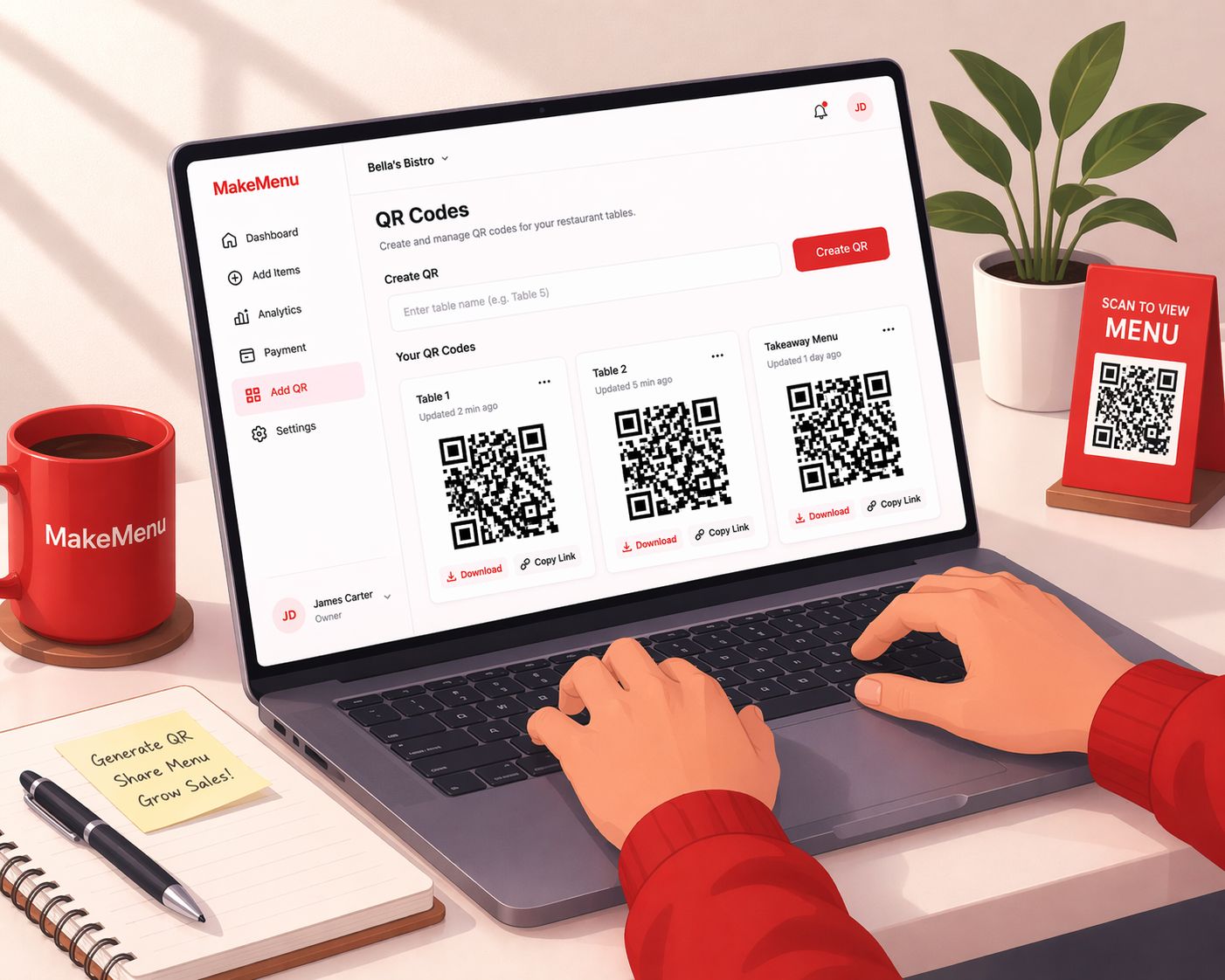
3
Get Your QR Code
Makemenu will generate a unique QR code for your shop. Download and print it.
4
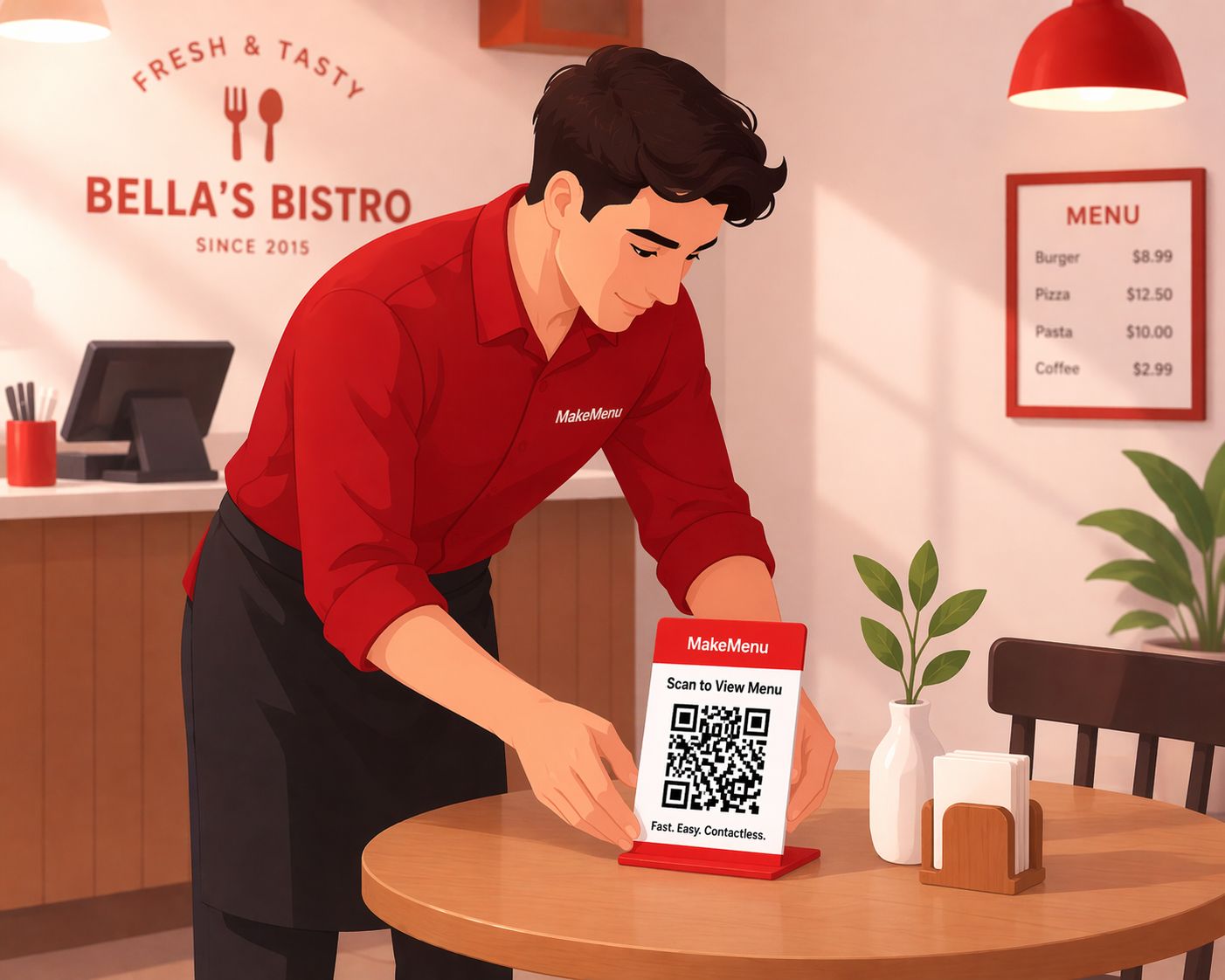
Place QR in Your Shop
Stick the QR code on tables or near the counter. Customers can easily scan it.
5
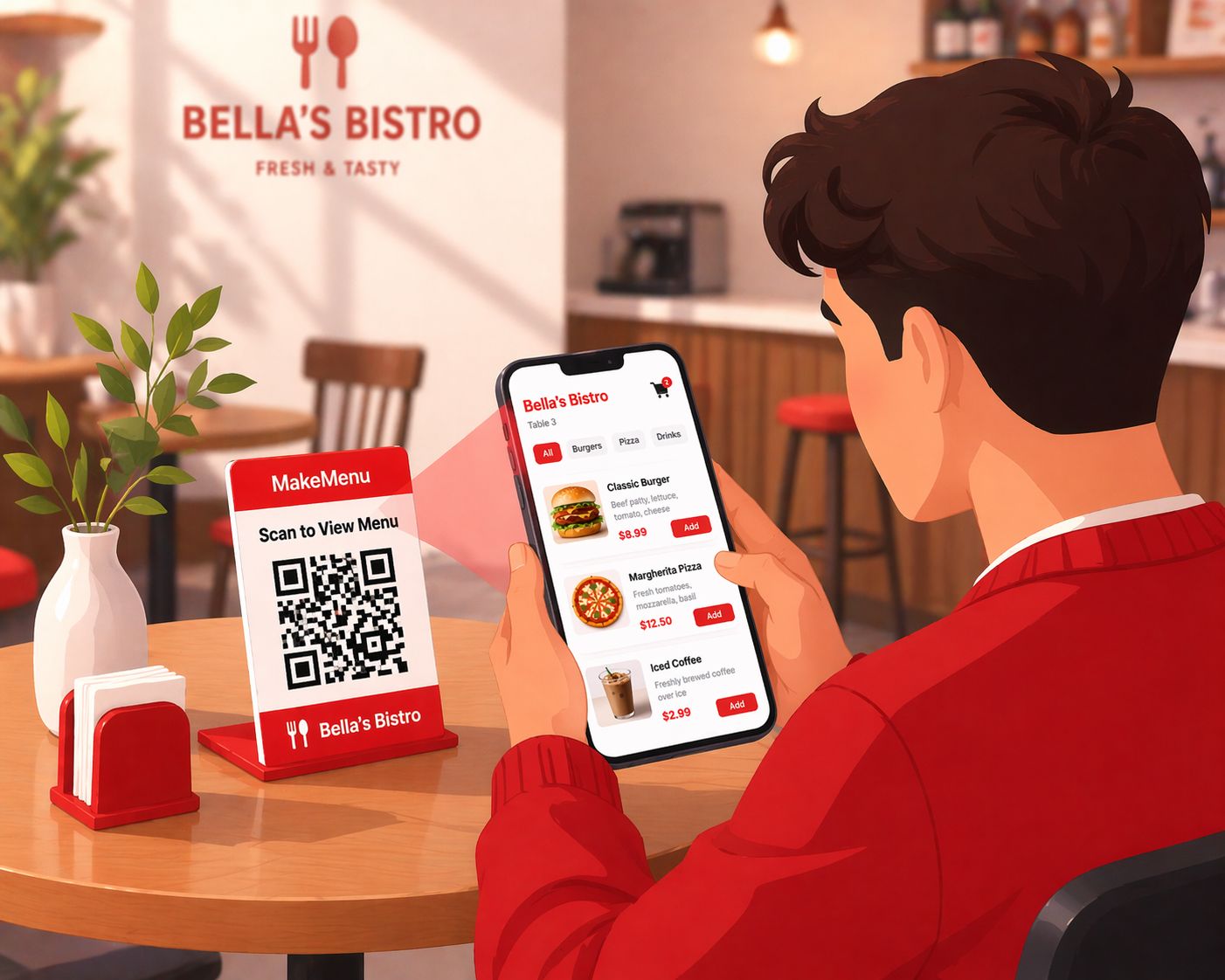
Customers Scan & Order
Customers scan the QR code using their phone. They view your menu and place orders instantly.
6
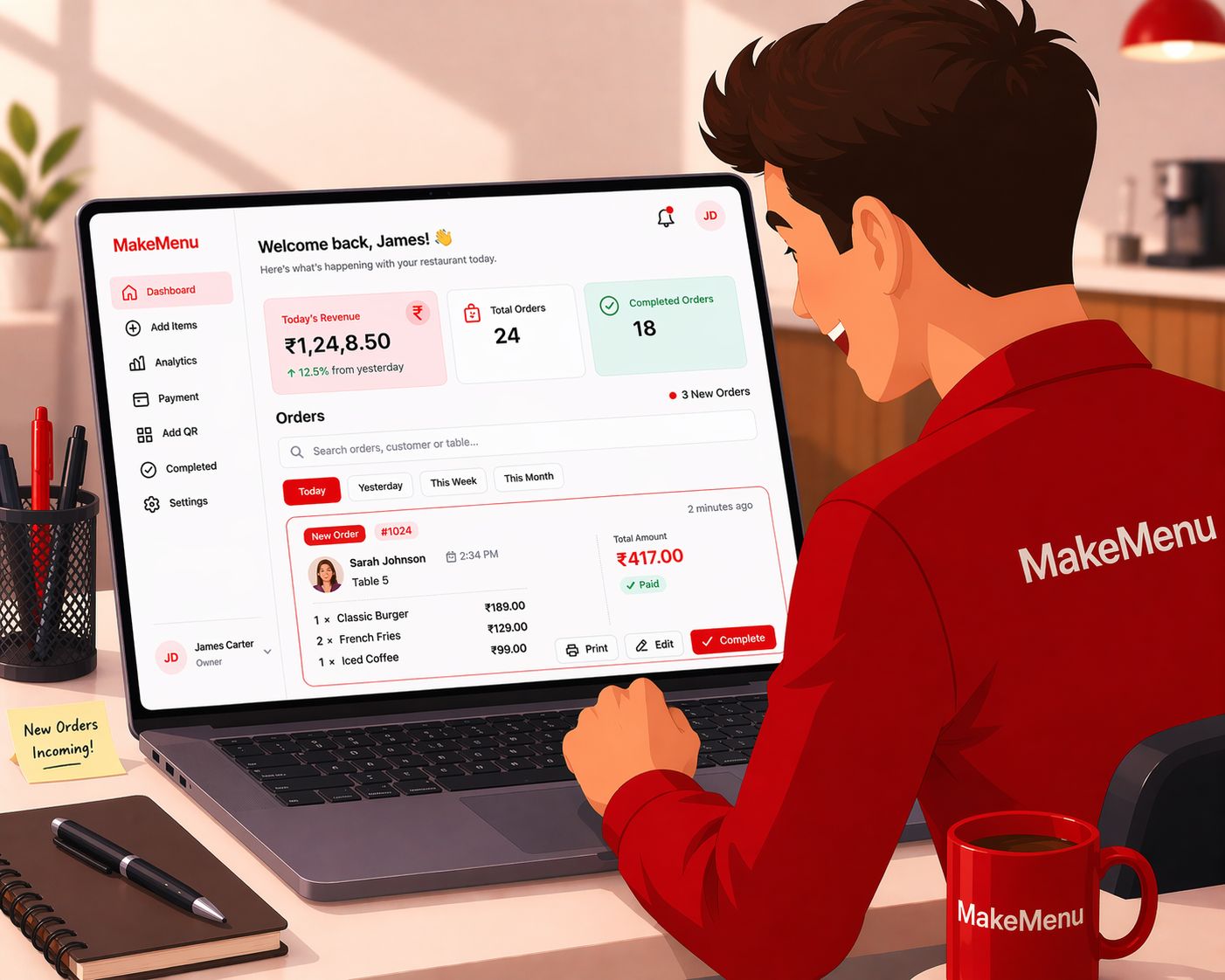
Receive Orders on Your Screen
Orders appear directly on your dashboard or kitchen screen. You can see what each customer ordered.
7
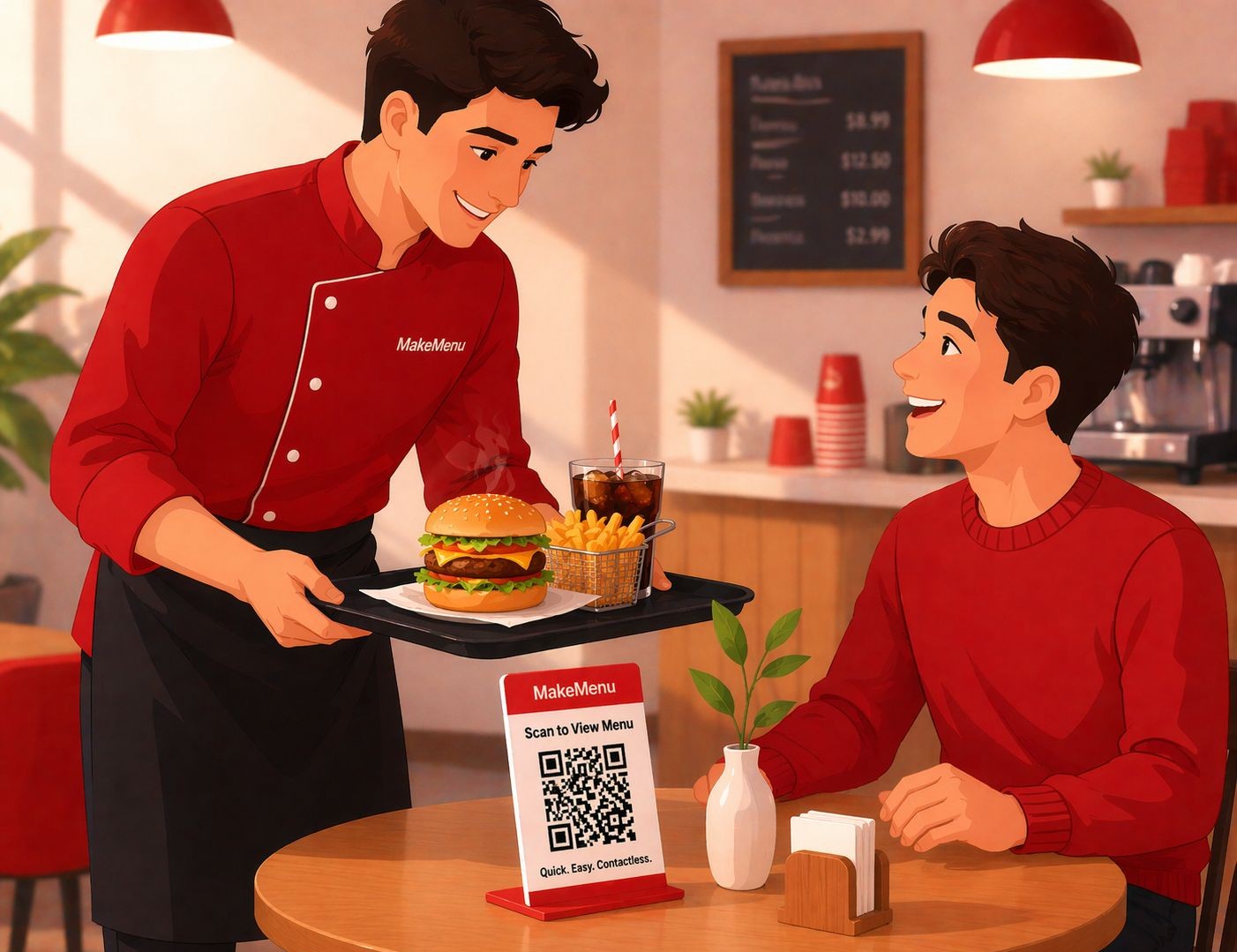
Prepare & Serve
Prepare the food and serve it to the customer. Makemenu automatically calculates the bill.
Scan. Order. Serve. Faster.
In trend uh 🚀
Why Choose MakeMenu?
We Understand Your Shop
Makemenu is built for small food businesses that need speed and simplicity. We help you take orders faster, reduce mistakes, and run your shop smoothly.
Built for
Specifically for tea shops, cafés, and food stalls.
Smart & Simple System
Everything works in one place — simple and fast.
Always Improving
We continuously improve Makemenu.
Here to Support You
We help you set up easily.
Unlimited Menu addons
Create unlimited menus.